
To create a voice profile:
In Teams, select Settings and more
 > Settings
  > Recognition.
Select Create voice profile.
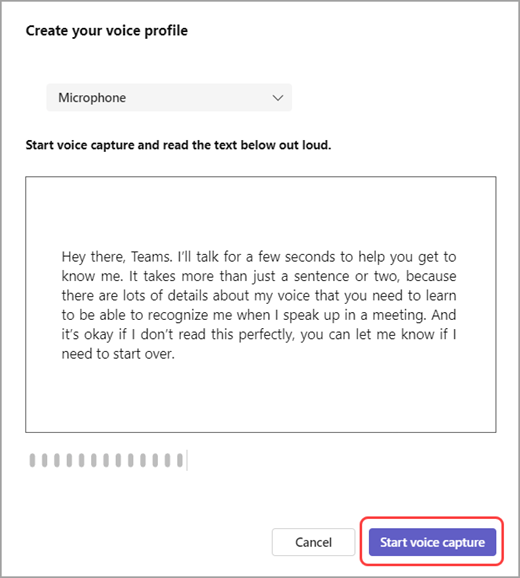
Make sure your mic is selected from the device dropdown menu.
Select Start voice capture and read the text.
Tip: Record your voice profile in a quiet location, using a high-quality microphone for best results.
Select End voice capture when you're done.