
If you wish to install an Adobe product onto a laptop or Computer you need to have Adobe Creative Cloud installed first., please follow this guide.
- First you need to request from your ICT department to be issued a Licence for Adobe Creative Could. Please make sure you inform the team why you need the product. (If you have already done this please go to the next step).
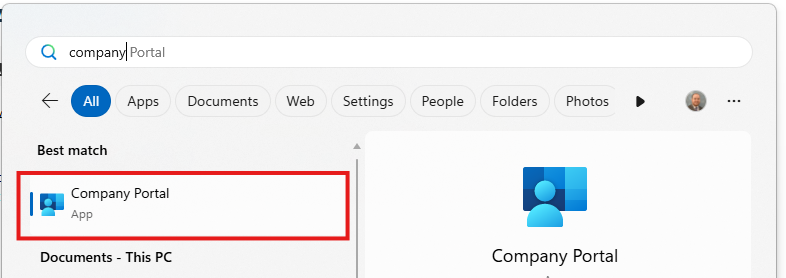
- Click on the Start Menu and Type Company Portal and click on the icon
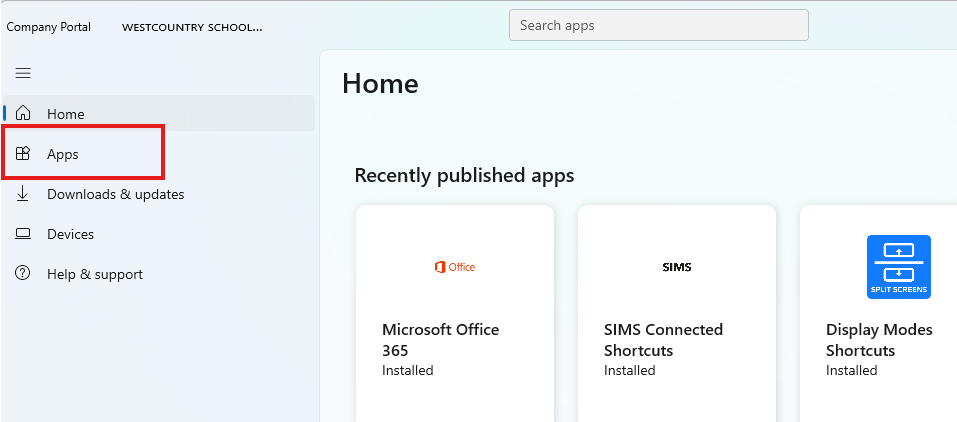
- Once Company Portal has loaded, Click on the Apps button on the left hand side.
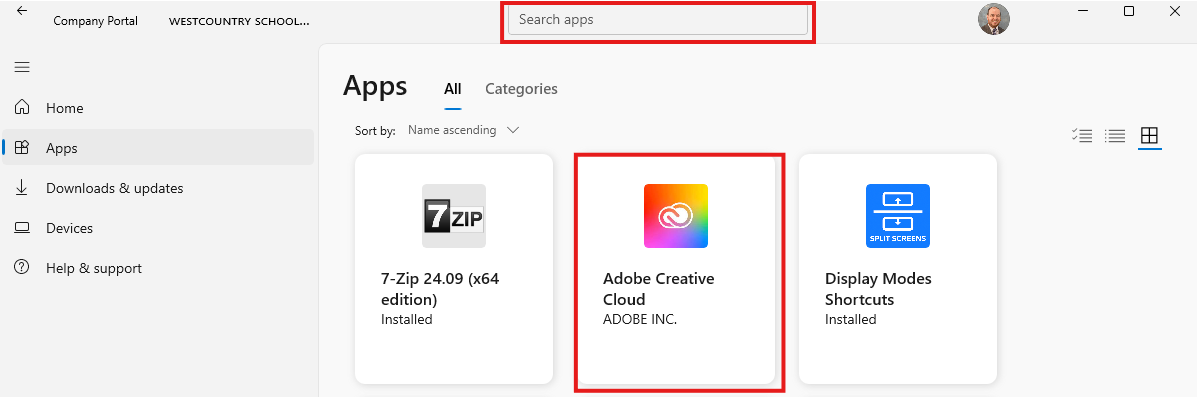
- Now click on the Adobe Creative Cloud App, if you do not see this you may have to search for it. This can be done by typing Adobe in the top Search Bar.
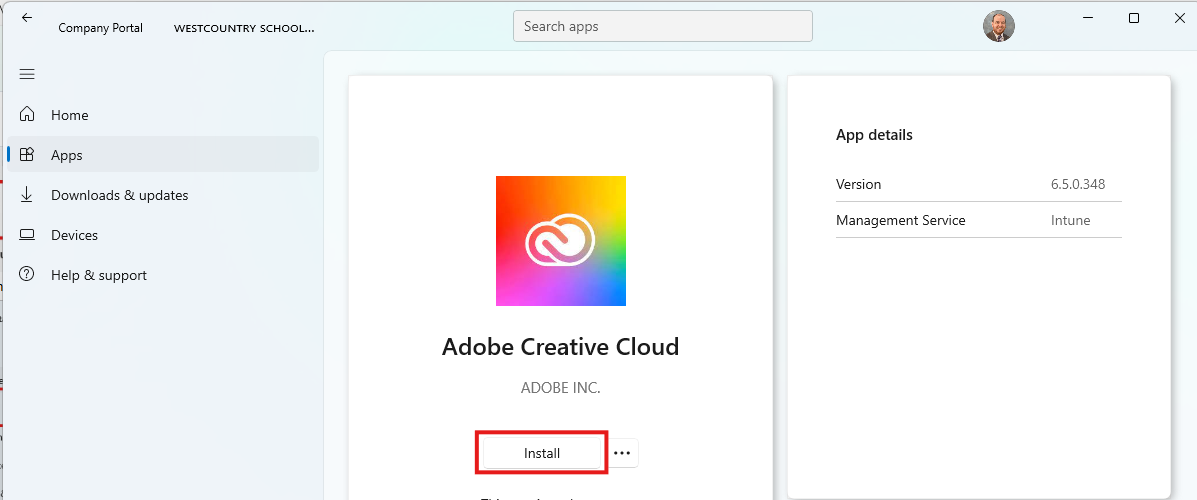
- Once the app is select you will have the option to install it. Before you click Install, think this may take 15mins and will need a internet connection to be done. When you are ready, Click install.
- When Adobe Creative Cloud is installed, you will see the word Installed listed on the right-hand side of the windows
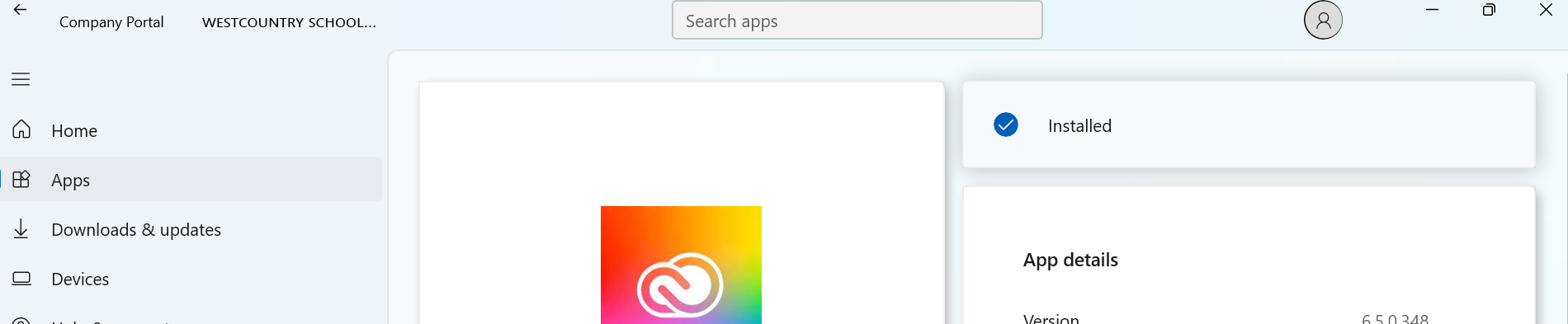
If the program does not install correctly, you will need to contact your ICT Department for help.