
This guide explains how to add a shared Calendar to your Outlook.
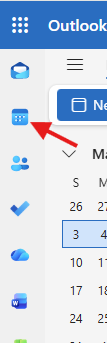
- Open Microsoft Outlook and load your Calendar.
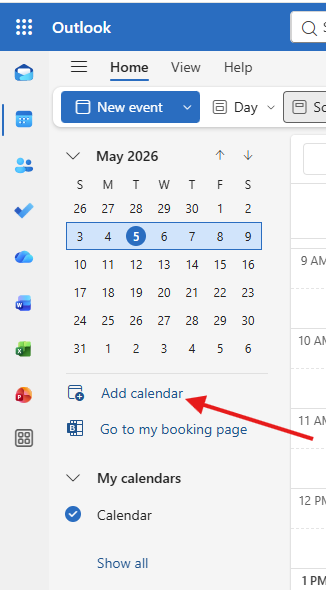
- Now Click on the Add Calendar button just below the Month view.
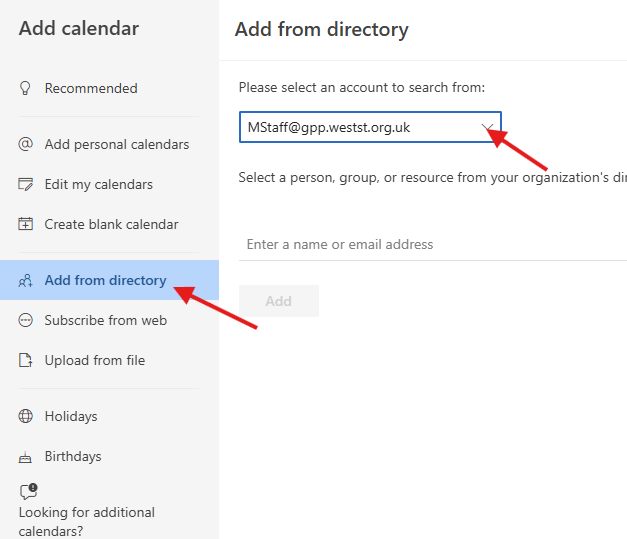
- The Add Calendar window will open, Now Click on Add from directory and select your account from the drop down box.
- Now enter the email address of the Shared Calendar, (if you do not know this, please contact ICT Support.)
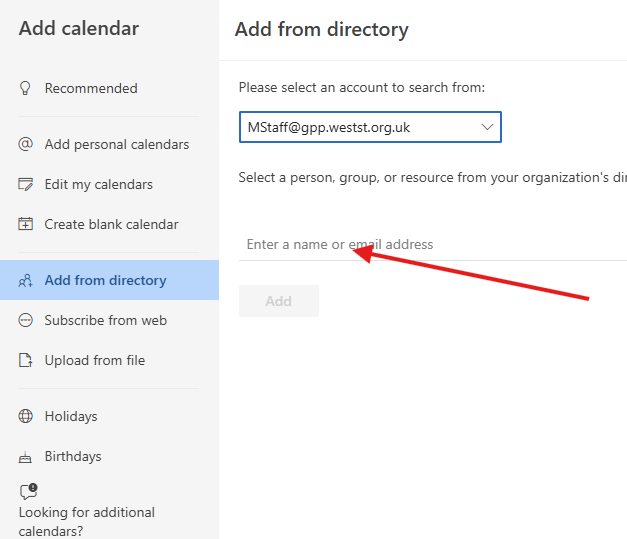
- When you have selected the Calendar, you will be able to press the Add button.
If you have any problems please let the ICT Support Department know.