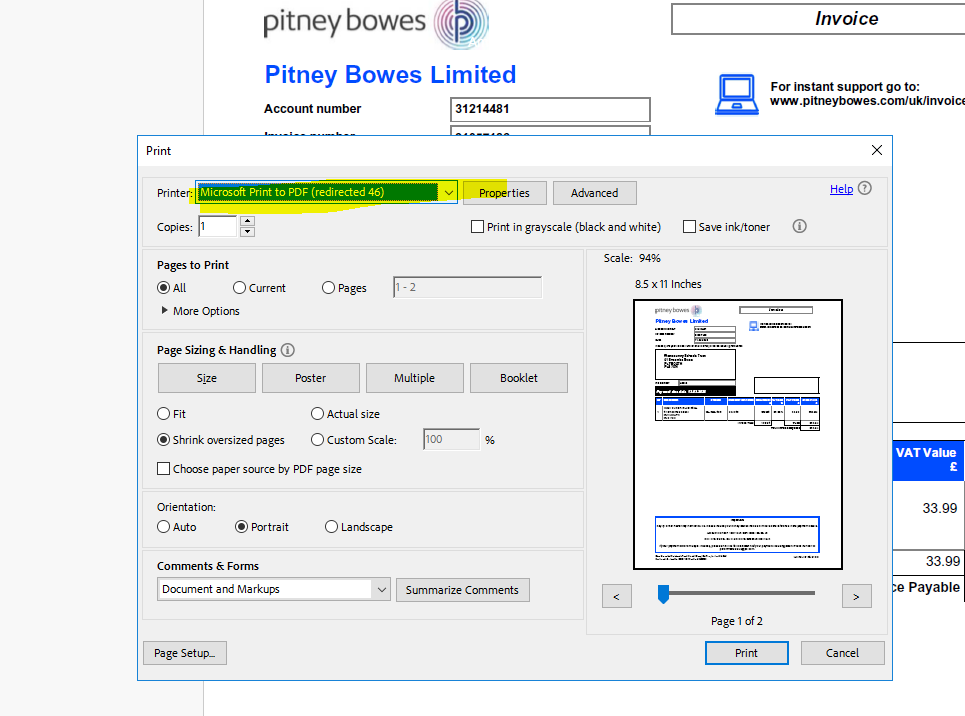
The below was received from Amber Britton - this guide is to be followed as an IT first reaction response to any requests around exporting documents from the PSF RDS. Any queries in regards to PSF and its usage beyond this should be directed to Finance.
Open the pdf
Then I Microsoft print to pdf (redirected)
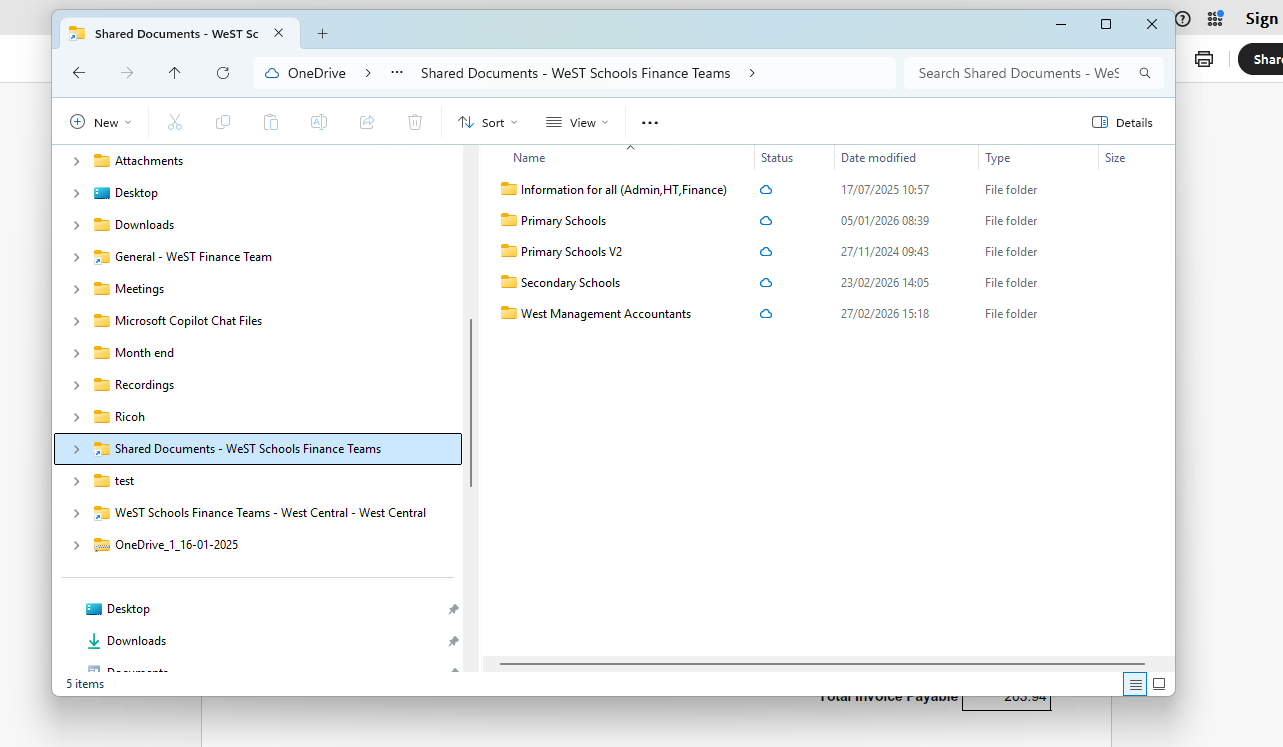
This will then open it to save the document outside of the remote desktop so my own OneDrive
But as I have saved the teams folders onto my one drive, I'm able to select the teams' folders and save direct
If you are exporting an excel for example this may not work in that case you will save to the X drive within PSF to your school's folder, then open the folder and use the keyboard shortcuts so CTRL C on your document. Open your OneDrive (usual documents) and click and do CTRL P. This will allow them to be copied/pasted.