
Your Chromebook MAC address
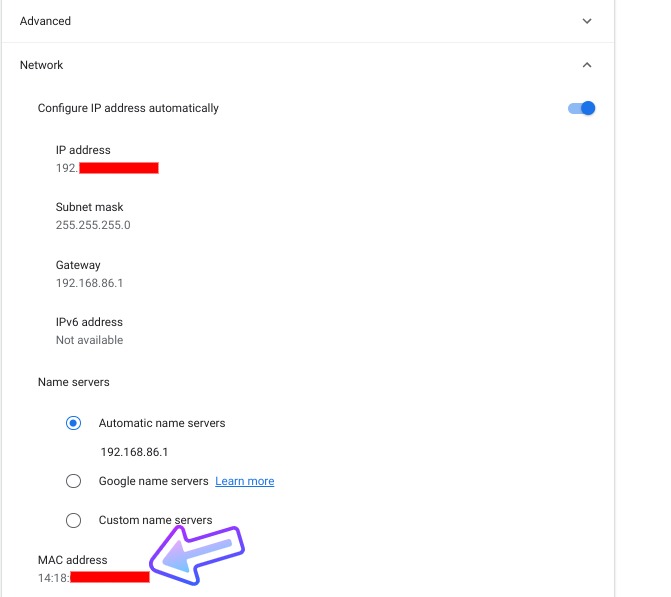
To find your Chromebook MAC address, we will use the same methods as above. The first method takes us back to the Chrome OS settings menu. Follow the steps above to navigate to your network settings for the connected network. Under the network settings, click the network tab. Scroll to the bottom of that tab and you will find your MAC address.
The alternate method is to head back to the Chrome browser and point your URL bar to chrome://system. Using the same steps from above, locate the ifconfig tab and click expand. At the bottom of this tab, we can find the device’s MAC address.

The MAC address is the string of numbers located after the “ether” label. This will be static for now but in the future, Google may be adding the ability to randomize this number for better security.